

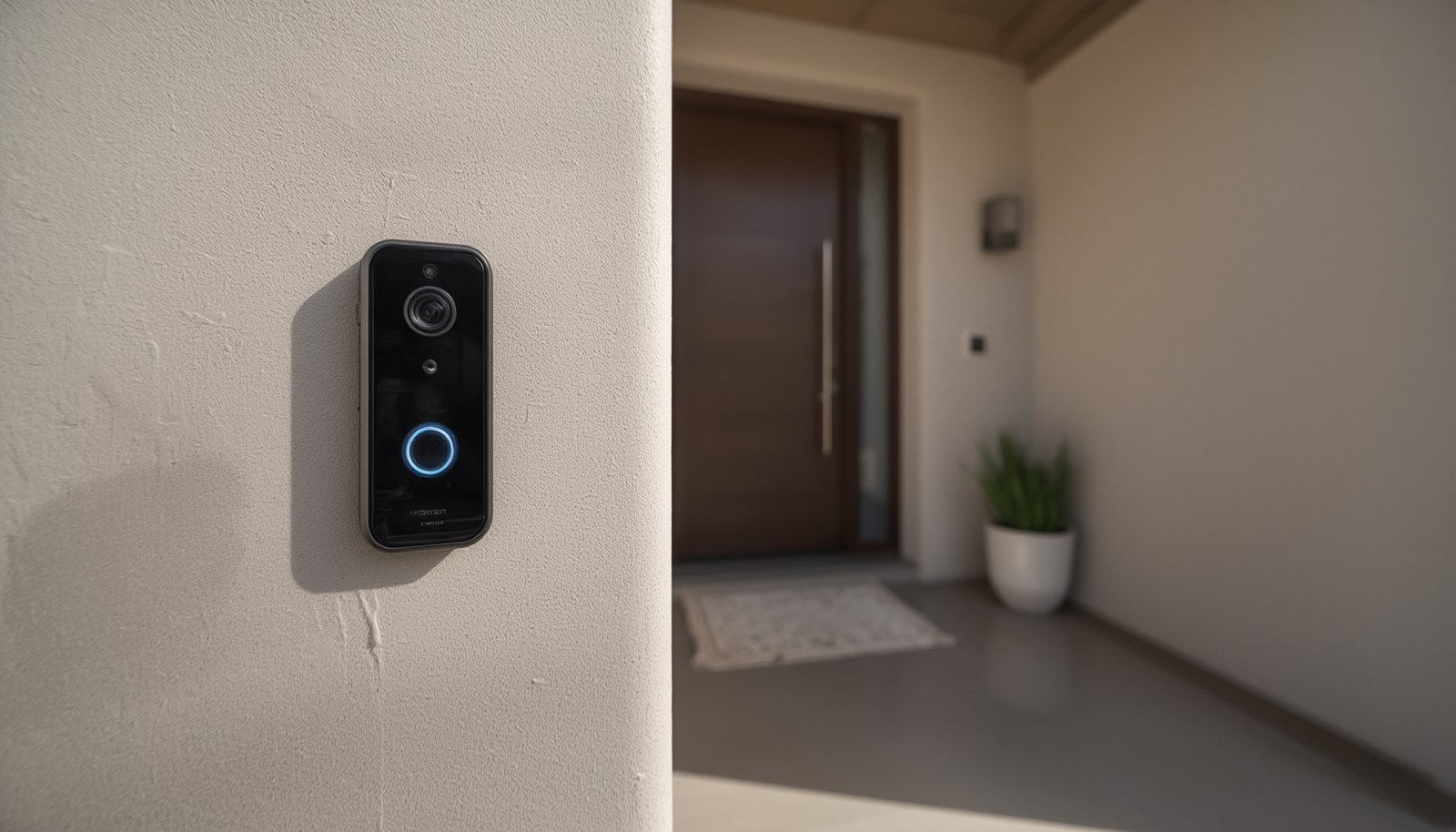
doorbell camera without subscription is one of the most searched home security topics today, as homeowners look to avoid recurring costs while keeping their entryways secure. But can you really get the peace of mind, features, and reliability you need—without paying monthly fees?
Key Takeaways
- Only 20–35% of top-ranking video doorbells in 2024 can truly work with full features and no subscription required.
- Going subscription-free means relying on local storage, facing hidden costs, and managing privacy risks yourself.
- Brands like Eufy, Lorex, Reolink, and Aqara offer the most respected doorbell cameras without subscription, but you still need to watch for vendor lock-in and feature limitations.
- What Is a Doorbell Camera Without Subscription?
- How to Choose & Set Up Your Doorbell Camera Without Subscription
- Advanced Analysis: Pitfalls & Brand Comparisons
- Conclusion: Should You Go Subscription-Free?
- FAQ
What Is a Doorbell Camera Without Subscription?
A doorbell camera without subscription is a smart video doorbell that gives you live view, motion alerts, and records video without requiring a paid monthly plan. These cameras rely on local storage options like microSD cards or a home base, letting you access footage and features for free.
The big draw: no recurring bills. You buy the camera, plug it in, and get most core features forever. But unlike popular models from Ring or Nest—which put key video recordings and smart alerts behind paywalls—these devices keep essential functions local. However, that local-first approach can mean compromises in sharing, backup, and even privacy (yes, even without cloud storage).
According to Consumer Reports and SafeHome, about 20–35% of the highest-rated video doorbells in 2024 can deliver near-full functionality without locking you into a subscription plan. Yet, the market is still dominated by subscription-focused brands.
How to Choose & Set Up Your Doorbell Camera Without Subscription
Ready to break free from monthly fees? Here’s a detailed process for selecting and installing a quality doorbell camera without subscription pain.
- List your must-have features
- Do you need person and package detection—without paying extra?
- How many days of video do you want to store locally?
- Is battery, wired, or PoE (power over Ethernet) best for your setup?
- Check brand reputation for “no subscription” models
- Eufy, Lorex, Reolink, and Aqara consistently rate highest for robust features minus recurring costs. TP-Link’s Tapo and Kasa lines—plus some Wyze configurations—are also worth considering if your needs are basic.
- Verify local storage limits and if a proprietary hub/base is required. For example, Eufy’s best models need a HomeBase, which adds upfront expense but also local AI and more privacy.
- Estimate real storage needs & hidden extras
- At 2K resolution with motion-based recording, a 128GB SD card covers roughly a week of typical suburban activity. For a busy porch or 24/7 recording, 256–512GB is advised.
- Be ready to buy a card separately (most brands don’t include one), and check if battery backup, a chime, or new wiring is needed for your house.
- Plan for installation
- Select location for maximum visibility of visitors, packages, and walkways.
- Hardwired models are more reliable but require basic tools and possibly a new transformer; battery-powered units are easy to mount but need recharging.
- Follow the vendor app’s pairing instructions closely. Most modern “no subscription” doorbells walk you through WiFi or Ethernet setup in-app.
- Configure notifications and test AI
- Fine-tune zones to cut false alerts (cars, trees, shadows).
- Run real-world tests. Does it notify you instantly? Does local person detection work dependably, without the cloud?
- Secure your system
- Set a strong, unique app password and enable two-factor authentication if available.
- Periodically check for firmware updates—vendors patch vulnerabilities over time.
- Backup important footage
- Regularly export important events to an external drive or secure online backup (e.g., Google Drive or iCloud—not the vendor’s paid cloud, unless you choose to).
- If your doorbell is stolen, all locally stored videos could be lost; this is the main risk of avoiding cloud storage.
For more tips on optimizing your smart home ecosystem, see our guide at hogarproducts.com.
Advanced Analysis: Pitfalls & Brand Comparisons for Doorbell Camera Without Subscription
Going with a doorbell camera without subscription removes monthly fees but introduces its own set of trade-offs. Here are the most common stumbling blocks and realistic considerations:
Hidden Costs & Local Storage Limitations
- SD cards and accessories add up. The doorbell may require you to buy a high-endurance microSD card (up to 512GB) separately—about $20–$50.
- Proprietary bases or NVRs. Eufy and Lorex often need a HomeBase or NVR for local AI and extra storage, which can cost $100–$200 on top of the camera price.
- Backup limitations. If your doorbell is stolen, so is your footage. Unlike cloud-based brands, you lack offsite evidence unless you’ve manually exported it.
App Reliability Issues
- Local processing can mean laggy notifications or missed events, especially with budget brands. Consumer Reports rates “response time” as a critical factor.
- Firmware updates can introduce new bugs, change storage behavior, or even reduce features without warning.
Comparison Table: Top No Subscription Doorbell Cameras (2024)
| Brand / Model | Subscription Needed? | Resolution & FOV | Free AI Features | Storage & Expansion | Highlights |
|---|---|---|---|---|---|
| Eufy S330 (Dual) | No | 2K HDR main, package cam, wide FOV | Person, package, facial detection | HomeBase local (eMMC), upgradable with new base | Offline recording if net goes down; Alexa/Google support |
| Lorex 2K B451AJD-E | No | 2K QHD, excellent test video | Person detection, activity zones | microSD or NVR | Easy NVR upgrades, strong privacy for an IP cam |
| Reolink Video Doorbell | No | 2K–5MP, wide model-dependent FOV | Person/vehicle detection | microSD (256–512GB), NVR compatible | Poe/wired options for stability |
| Aqara G4 | No | 1080p, good color video | Local face detection, multi-storage choice | microSD (up to 512GB), free 7-day cloud | Full Apple HomeKit Secure Video support |
| TP-Link Tapo D225 | No | 2K, compact wireless | People, vehicle, package alerts | microSD (up to 512GB), cloud optional | Super quick notification, easy mobile app |
| Wyze Doorbell Pro/v2 | Partially | Up to 2K, square FOV | Person detection free, package AI paid-only | microSD (some configs), paid cloud for full AI/retention | Low upfront price, not full-featured “no sub” |
Real Privacy: Not Just About the Cloud
- Despite local recording, many no-subscription doorbells still transmit metadata, thumbnails, or diagnostics to company servers. Privacy scores from Consumer Reports are often “average” even for these “local only” brands.
- Firmware updates can impact how your footage is stored or viewed. There’s limited transparency on long-term update support.
Security Vulnerabilities
- Most leading brands encrypt footages and require authentication, but incidents have occurred—like Eufy’s 2022/23 cloud streaming issue which was patched with a firmware update.
- Doorbell theft or physical damage means footage loss unless you back up regularly.
- No big “hacks” unique to this category are public, but the smart camera space overall is a moving target—Tom’s Guide and Security.org track ongoing vulnerabilities.
Conclusion: Should You Go Subscription-Free?
Choosing a doorbell camera without subscription offers powerful savings, strong privacy control, and no lock-in to vendor plans. But make no mistake—there are trade-offs: you’ll handle your own storage, navigate app quirks, and accept the risk of losing footage if your hardware is stolen or damaged.
With trusted picks like Eufy S330, Lorex B451AJD-E, Reolink, and Aqara G4, you can build a secure, subscription-free smart entrance. Just be smart with regular exports, firmware updates, and by choosing brands with a good record for security—so your decision doesn’t backfire.
Want more guides and honest equipment reviews? Start with our trusted home security insights at hogarproducts.com. And remember—if maximizing control and avoiding fees is your goal, the doorbell camera without subscription is still your best step forward.
Explore more and secure your home—without paying extra every month!
FAQ
Is a doorbell camera without subscription really “free” long-term?
Yes, but only for basic functions like local video recording and notifications. You’ll still need to buy a microSD card or base station and may miss out on cloud backup or advanced AI that’s paywalled in hybrid brands.
What happens if someone steals my doorbell camera?
If storage is only local (SD, homebase), all footage is gone too. Export important clips regularly to prevent evidence loss in case of theft.
Are there hidden costs in no-subscription models?
Yes. Plan for extra spending on large SD cards, power/wiring upgrades, and occasionally accessory chimes or mounts. Some brands require a proprietary base station for their best features.
Does local storage make my doorbell camera more private?
It’s often better than cloud recording, but not 100% private. Many devices still send thumbnails or logs to the manufacturer for diagnostics, and app security depends on your own setup.
Which brands lead for “doorbell camera without subscription” in 2024?
Eufy, Lorex, Reolink, and Aqara get the top marks from comparison sites and lab testers for customer satisfaction, features, and data security, without mandatory monthly fees.