

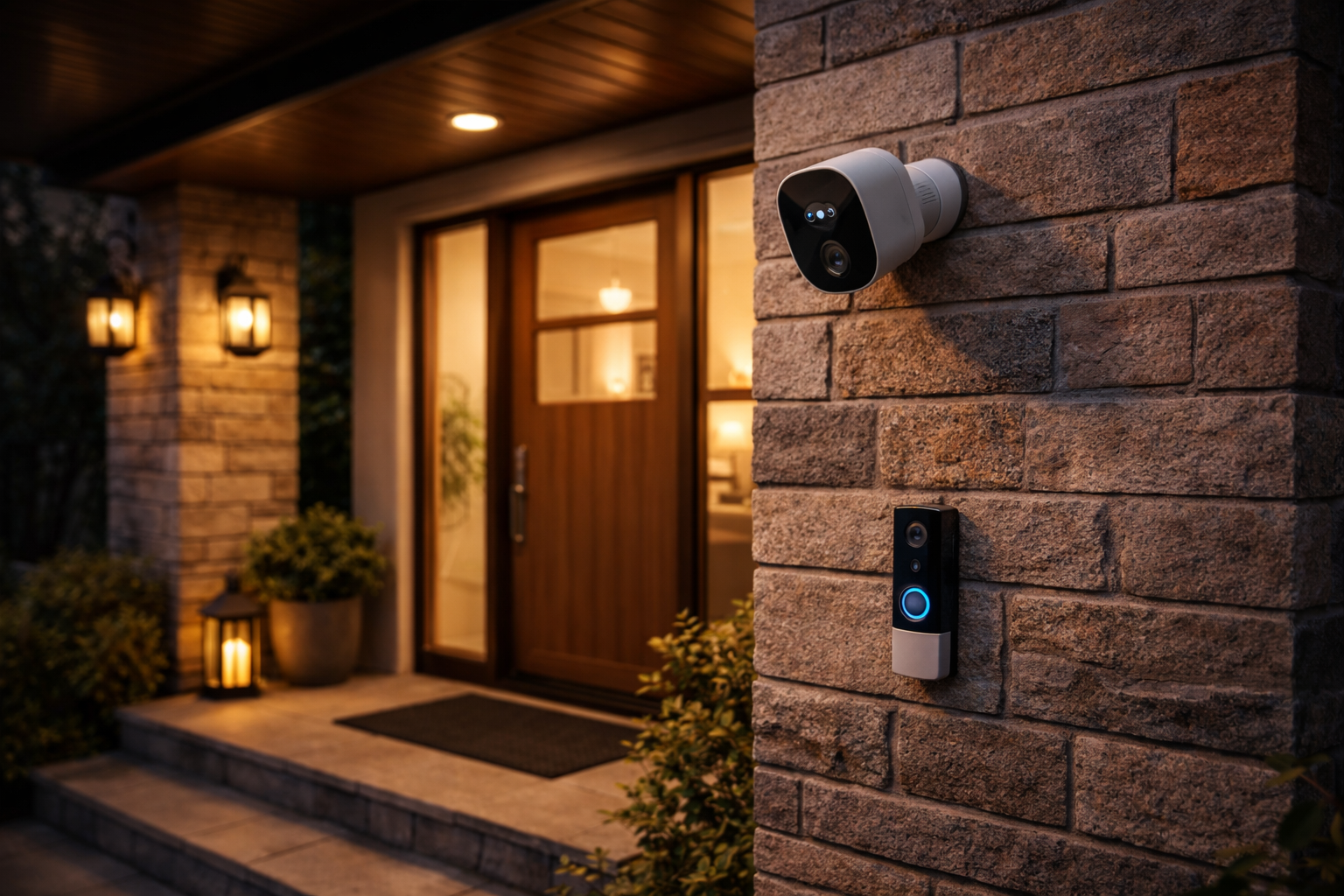
Home security camera systems have become one of the most important tools for keeping your home and loved ones safe in 2025. Americans are adopting these systems faster than ever, but navigating the options, real costs, and actual system performance isn’t always straightforward. Below, you’ll learn what to expect, how to select and set up a system, and what problems to look out for—so you’re protected and not left with expensive surprises.
Key Takeaways
- Home security camera systems saw US household adoption jump to 52% in 2025, with wireless options rapidly gaining ground globally.
- Ongoing costs, privacy concerns, and setup hassles are just as important as the up-front price when picking the best camera system for your needs.
- Real-world performance in tough conditions and good integration with smart home features separate reliable systems from less practical ones.
- What Are Home Security Camera Systems and Why Do They Matter?
- How to Choose and Install a Home Security Camera System: Step-by-Step Guide
- Advanced Analysis & Common Pitfalls
- Conclusion
- Frequently Asked Questions
What Are Home Security Camera Systems and Why Do They Matter?
Home security camera systems are networks of cameras—often wireless and connected to your phone or smart home hub—used to monitor, record, and help deter break-ins or property damage. In 2025, more than half of US households use some type of security system, with wireless cameras and video doorbells dominating new installations (source).
The global market for smart home security cameras was worth up to $10.5 billion in 2025 and is projected to reach $60 billion by 2034 (source). The US share is growing even faster, with households adding new devices for safety, monitoring package deliveries, and checking on pets or kids.
Today’s systems go far beyond simple video—they often include motion alerts, AI-driven detection, night vision, cloud recording, and integration with other smart home upgrades (smart home automation or energy efficient home upgrades). This makes them more effective but also means you’ll need to weigh ongoing costs, privacy, and network reliability as part of your home improvement plan.
How to Choose and Install a Home Security Camera System: Step-by-Step Guide
Getting the best home security camera system means more than buying the trendiest gadget. Here’s a clear path to follow:
- Define Your Priorities: Do you want outdoor monitoring, indoor cameras, or just an entryway video doorbell? Consider if local storage (no subscription fees) or cloud access (anywhere viewing) is a must for you.
- Assess Your Wi-Fi Coverage: Signal drops mean camera downtime. Use Wi-Fi extenders if you have dead spots, especially outdoors or in rural properties.
- Research Different Brands and Their Real Costs: Up-front price can be $60-$300+ per camera, but cloud recording fees can add $3 to $10 per camera monthly. Lifetime costs matter. Brands like Ring, Arlo, or Google Nest often split features between free and paid subscriptions.
- Compare Features—But Don’t Fall for Hype: 1080p resolution is standard, but 2K or 4K gives better detail if your Wi-Fi and budget allow. Look for at least 110–130-degree field of view, and see if night vision covers the distance you need. Verify smart home compatibility: e.g., Alexa, Google Assistant, or Apple HomeKit.
- Check Privacy and Security: Research “privacy mode,” encryption, and notification settings. Some brands put privacy first, while others lag in updates.
- Read Real User Reviews: Especially check performance in extreme temperatures (hot attics, cold outdoors), in Wi-Fi dead spots, or for reliability during power or internet outages.
- Plan Your Camera Placement: Cover entry points (doors, ground floor windows), driveways, and key indoor areas without placing cameras where privacy is expected (such as bedrooms).
- Easy Installation: Most new wireless home security camera systems claim “DIY setup,” but watch for tricky mounting, firmware updates, and app bugs. Read the quick-start guide and manufacturer FAQs before sticking anything up permanently.
- Test Everything: Do a run-through at least once per week—simulate movement, check notifications on your phone, and review how easy it is to access recent footage.
- Set Up Integrations: Link cameras with your smart speaker, light automation, or security sensors if needed. Many systems can be part of a broader smart home for energy savings, pet monitoring, and convenience (pet-friendly home improvement ideas or creative bedroom lighting ideas).
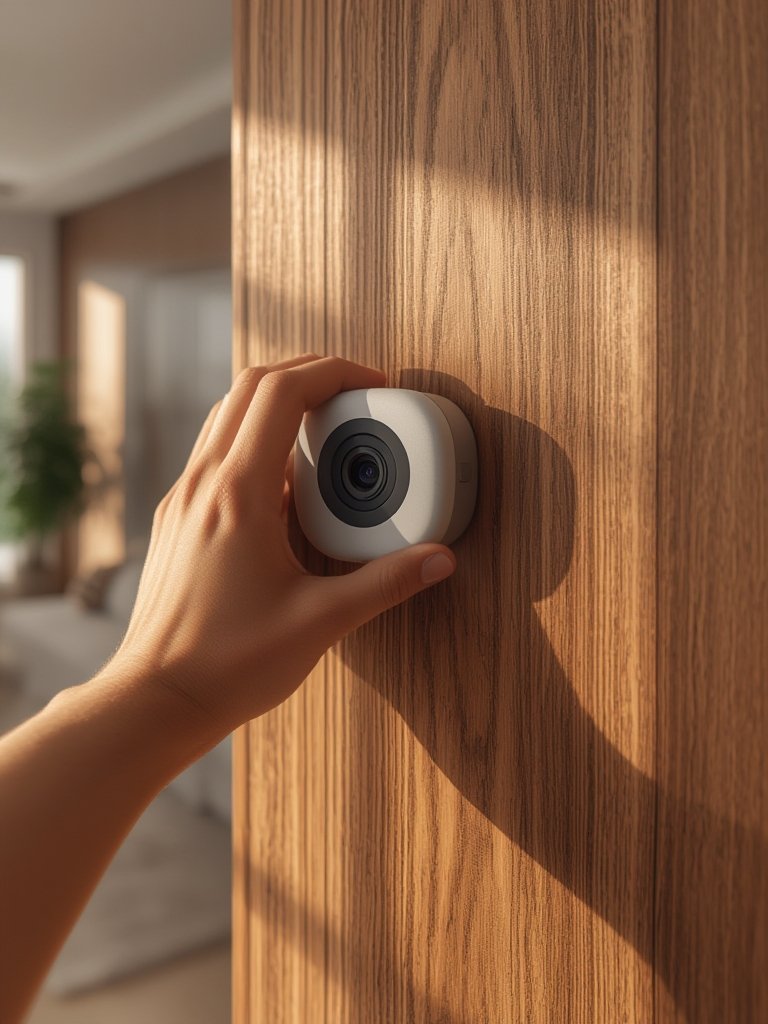
Taking the time to do each step right reduces your risk of out-of-pocket surprises or system failures. Every option has trade-offs, and what works in the suburbs might not work in a rural area. If this is your first time setting up smart home cameras, check out related tips like those in our DIY home renovation projects article.
Advanced Analysis & Common Pitfalls
Despite rapid growth, home security camera systems can create challenges for new users:
- Hidden Ongoing Fees: Many users get caught by required cloud storage subscriptions after setup. Free tiers often offer only basic features, short video history, or limited alerts.
- Network Performance Issues: Wi-Fi signal drops, especially in large or brick homes, cause cameras to disconnect. Outdoor units may lag or go offline in garages, yards, or far-side corners.
- Privacy & Data Security: Concerns about footage being hacked, shared with third parties, or used by manufacturers remain high—even though major privacy breaches weren’t widely reported in 2025.
- Limited Integration: Some cameras promise “smart home” features but don’t work seamlessly with your speaker, thermostat, or lighting system. Always verify integration claims before buying.
- Power & Weather Reliability: Battery-powered cameras are convenient but need regular recharging, which is easily forgotten in cold climates. Extreme heat or cold may drain batteries faster or disrupt function entirely.
| Feature | Entry-Level System | Premium System |
|---|---|---|
| Camera Resolution | 1080p HD | 2K–4K Ultra HD |
| Field of View | 100–120° | 130–180° |
| Night Vision | Standard IR, up to 10m | Color/Extended IR, up to 30m |
| Smart Home Support | Limited (often app-only) | Full: Alexa, Google, HomeKit, IFTTT |
| Up-Front Cost | $60–$120 per camera | $200–$400 per camera |
| Ongoing Fees | None or $3/month per camera | $10+/month with full features |
| Environmental Resilience | Mild; indoor/balcony use best | Wide temp, weatherproof, rugged |
Ultimately, the best home security camera systems for you depend on your property, needs, and how much you’re willing to pay long term. Don’t overlook simple investments—like essential garden tools for trimming sightlines or patio upgrades—that can boost overall property safety too.

Conclusion
Picking reliable home security camera systems is about more than features on the box. You need to consider coverage, long-term costs, privacy, device integration, and what will really work in your home’s specific conditions. If you invest a little time upfront—comparing features, costs, and actual outdoor conditions—you’ll maximize safety and avoid headaches down the line. Protect your space today by reviewing your options, reading the fine print, and making sure the home security camera systems you choose fit your unique needs. Ready to enhance your safety? Explore our eco-friendly home product recommendations next, or take action on smart energy upgrades to make your home more secure and efficient.
Frequently Asked Questions
How much should I expect to pay for a home security camera system?
Expect $60 to $400 per camera for up-front costs, and $3–$15 per camera monthly for cloud storage and premium features. Always check if the features you want require a paid subscription.
Are wireless home security camera systems reliable during power outages?
Battery powered cameras will keep recording until their batteries run out (usually several days), but most require your home Wi-Fi and internet to stay up for remote notifications. Add local storage or cellular backup for better resilience.
How secure are home security camera systems from hacking or privacy leaks?
Reputable brands use encrypted connections and regular updates. Still, always keep firmware updated and use strong, unique passwords for your apps and Wi-Fi. Some privacy issues have been raised, but no major 2025 breaches were widely reported.
Can I integrate cameras with other smart home devices?
Most modern systems integrate with Alexa, Google Home, or Apple HomeKit, but check exact compatibility for full automation—some only support basic integrations.
What’s the biggest downside of wireless home security cameras?
Network drops and hidden monthly fees are the main pain points. Batteries may drain fast in cold or busy locations, and spotty Wi-Fi can leave key areas unmonitored.