

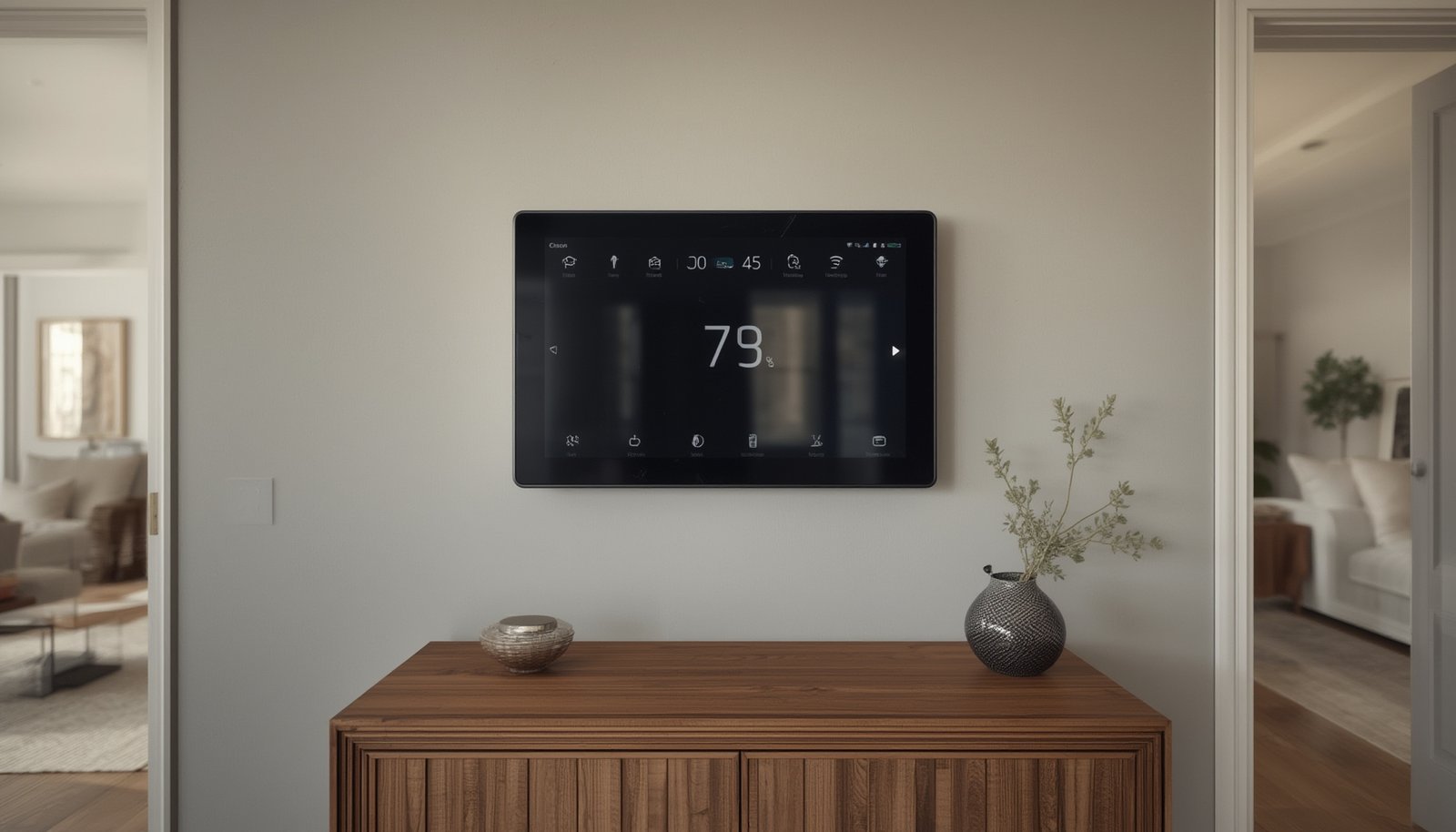
Smart air quality display devices are rapidly changing the way homes and workplaces monitor pollution, VOCs, dust, and overall air safety. With air quality concerns at an all-time high, understanding how these displays work—and how you can use them to improve your environment—is essential.
Key Takeaways
- Smart air quality displays provide real-time, accurate insight into indoor and outdoor air quality, helping you make informed decisions to safeguard your health.
- Initial investment often pays off by allowing early detection of harmful pollutants, optimizing HVAC use, and integrating seamlessly with smart home ecosystems.
- The market for these devices is expanding, offering increasingly portable and cost-effective options, but users still face key challenges related to price and complexity.
- The Core Concept: What Is a Smart Air Quality Display?
- Step-by-Step Guide: Setting Up and Maximizing Your Smart Air Quality Display
- Advanced Analysis & Common Pitfalls
- Conclusion
- Frequently Asked Questions
The Core Concept: What Is a Smart Air Quality Display?
A smart air quality display is a connected device that monitors, analyzes, and visualizes air quality data—often in real time—using advanced sensors and network integration. These devices track pollutants such as PM2.5, carbon dioxide, VOCs (volatile organic compounds), humidity, and temperature, providing actionable data on a screen or through an app.
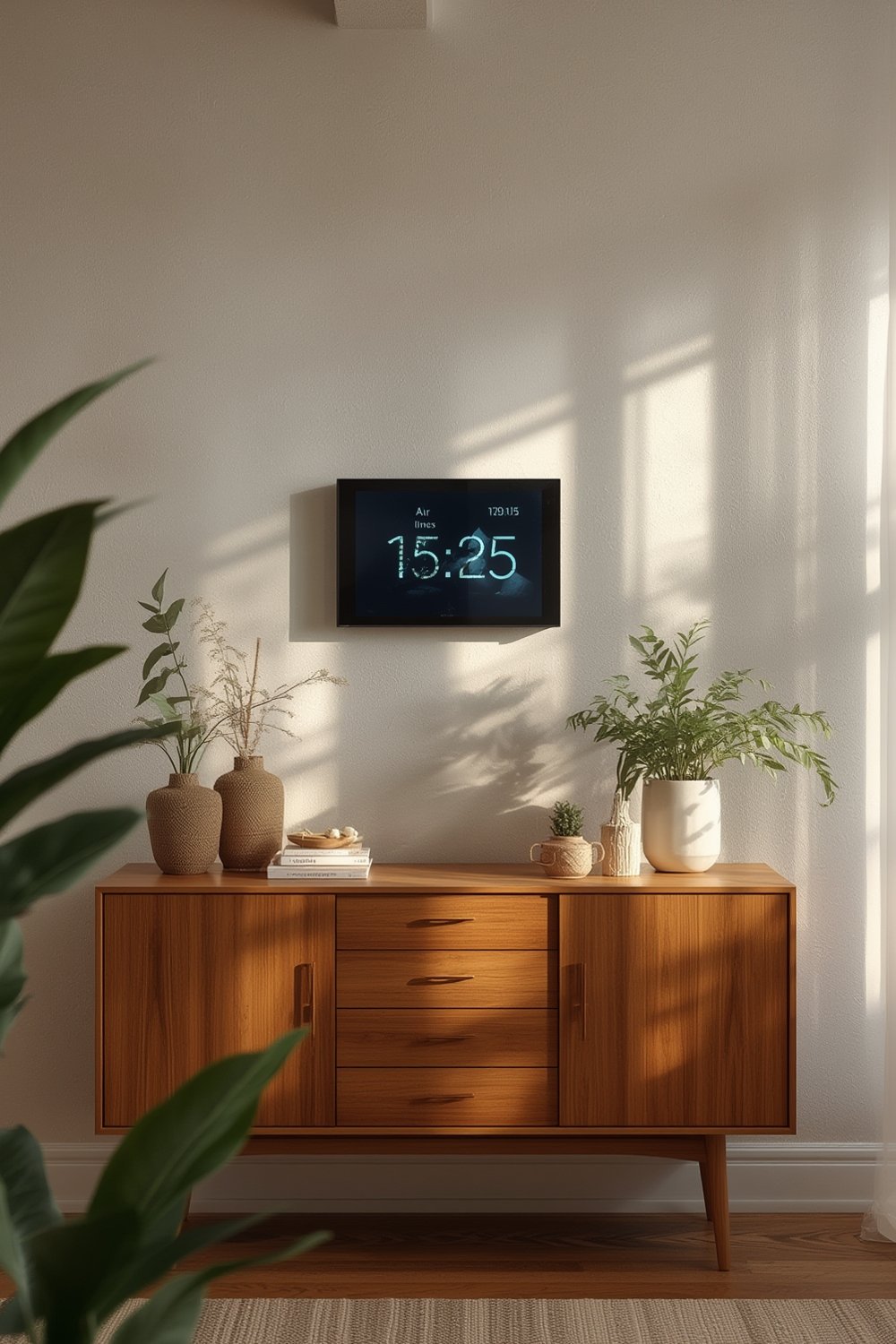
Users rely on smart air quality displays for several reasons. First, they offer peace of mind by displaying when air conditions are optimal or potentially unsafe. Second, in smart homes, they connect with HVAC, air purifiers, and even humidifiers for large spaces for automated adjustments. Workplaces and schools use them to guide ventilation for occupant safety and energy efficiency. In cities where outdoor pollution can spike, these devices help you decide when to open windows, run purifiers, or take additional precautions.
The global interest in these devices is booming, with the air quality monitoring system market expected to grow from USD 5.8 billion in 2024 to over USD 8.8 billion by 2030, according to Grand View Research. As the adoption of smart homes and IoT expands, so does the relevance and necessity for smart air quality displays.
For a deeper look into connected smart home products beyond air quality, visit our main hub of reviews and how-tos.
Step-by-Step Guide: Setting Up and Maximizing Your Smart Air Quality Display
Successfully integrating a smart air quality display into your home or office can be done in a few precise steps. These actionable instructions will ensure you not only install your device correctly but also configure it for optimal benefit.
- Unbox and Inspect: Confirm the display, charging cable, mounting kit (if included), and instruction manual are present. Examine the screen for any damages or dead pixels.
- Charge and Power Up: Many units arrive partially charged; fully charge before setup for battery-powered models to prevent calibration errors during initial use.
- Download the Companion App: Most leading models (e.g., with compatibility to Google Home or Alexa) offer a proprietary app for setup, remote readings, and cloud-syncing. Connect via Wi-Fi by following the on-screen prompts in the app.
- Calibrate the Sensors: Upon first power-up, keep the device stationary in a “neutral” area for at least 30 minutes; avoid cooking or cleaning during this period to ensure the most accurate baseline calibration.
- Choose the Placement: Avoid placing the smart air quality display in direct sunlight, on or next to electronics that produce heat, or too close to doors and windows. For comprehensive coverage in larger spaces, consider a mesh setup with several modules.
- Interpret the Readings: Most devices color-code or numerically grade air quality parameters. Understand what each metric (such as AQI, PM2.5, TVOCs) means by referring to the manual or in-app glossary.
- Set Up Alerts and Automations: Configure push notifications for dangerous thresholds—especially useful for families with children, elderly, or sensitive individuals. Integrate with smart thermostats, purifiers, or even doorbell cameras to enable custom routines based on air quality triggers.
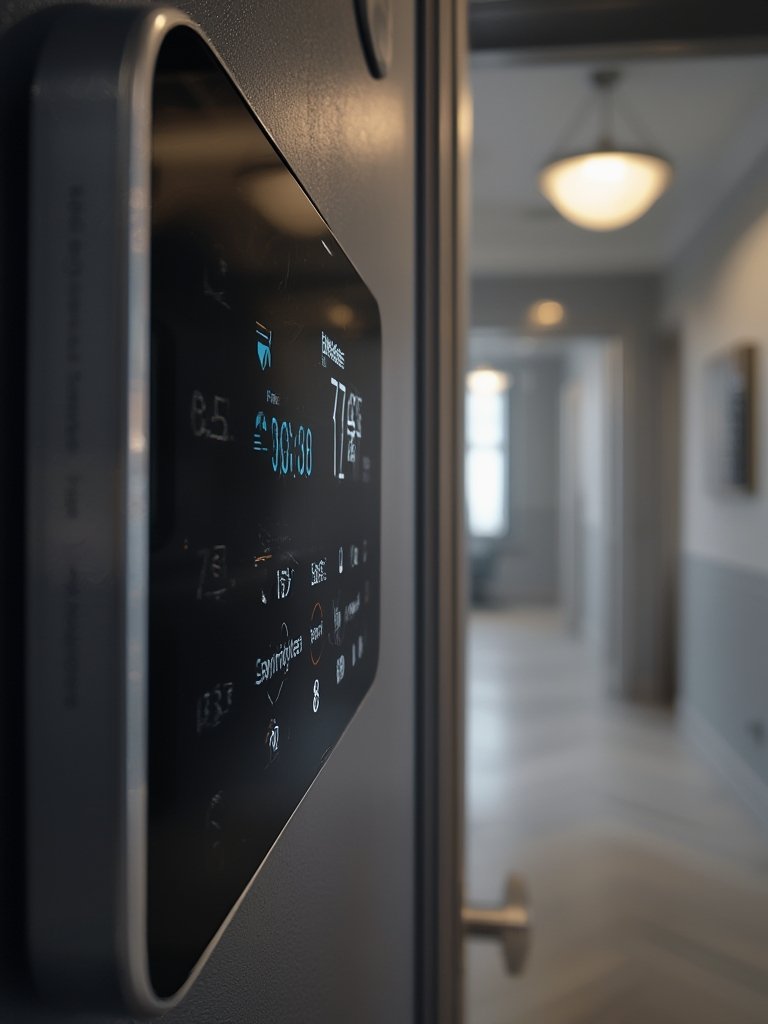
- Monitor Trends and Optimize: Use your device’s cloud dashboard or app to review historical data, spot trends, and adjust ventilation patterns accordingly. Some systems also suggest daily actions to improve indoor air quality using AI-based tips.
- Maintenance and Updates: Clean the screen and sensor inlets monthly per the manual. Promptly install firmware updates for improved detection algorithms and UI features—some high-end displays push these automatically.
If dry indoor air is impacting your overall comfort, you might benefit from pairing your air quality display with a smart humidifier for large rooms.
Advanced Analysis & Common Pitfalls
The smart air quality display market is evolving quickly, but many users encounter recurring obstacles, especially when adopting advanced technology. Being aware of these pitfalls can help you avoid frustration and maximize your investment.
Common Pitfalls to Avoid
- Overpaying for Features You Won’t Use: Advanced sensors for formaldehyde, pollen, or barometric pressure hike up the cost but are unnecessary for most households. Focus on key metrics like PM2.5, VOCs, and CO2 unless you have a specific need.
- Ignoring Device Calibration: Skipping or rushing the first calibration can return consistently incorrect readings. Take the initial setup seriously for the best long-term performance.
- Poor Placement: Mounting the display in an area with constant airflow (HVAC vent, window, or doorway) leads to wild fluctuations and potentially false alarms.
- Complex Integrations: While integration is a plus, some lower-end devices lack robust smart home compatibility, leaving users disappointed with a fragmented ecosystem. Research which protocols (like Zigbee, Z-Wave, or Wi-Fi) are supported before purchase.
- Battery and Power Issues: Battery-run models are ideal for portability but need frequent charging. Heavy use of the display/alerts can drain even large batteries faster than expected.
Comparison: Recent Smart Air Quality Display Innovations
| Model | Key Sensors | Integration | Unique Features | Compliance |
|---|---|---|---|---|
| Siemens Connect Box | Temperature, Humidity | IoT Platform, Real-time Data | Live Insights, Energy Efficiency Monitoring | Commercial, Smart Building |
| Bosch BME690 | Gas, Humidity, Temperature, Barometric Pressure | Standard Industrial IoT | 50% Less Power Consumption, Four Sensors in One | WELL, RESET Air |
Both models above showcase the shift towards multi-sensor integration, IoT advancement, and energy efficiency (IMARC Group report).
The cost remains a critical issue, as high-end displays can be two to three times pricier than standard models—especially in the commercial segment. Additionally, the slow adoption rates of the latest measurement technologies mean that not every new device is immediately user-friendly or affordable (more detail in this market overview).
When seeking advanced tips or exploring related home automation products, you can browse our in-depth guides for smart living solutions here.
Conclusion
Choosing and deploying a smart air quality display takes planning, but the benefits—in daily health decisions, home automation, and peace of mind—can be substantial. As sensor technology and integration options improve, and with the market forecast to grow in both value and variety, now is a pivotal time to understand and leverage these tools.
Ready to make smarter air decisions? Explore your next smart air quality display with our unbiased comparisons and actionable guides. For related security enhancements, consider reviewing our latest insights on securing your home with modern tools.
Frequently Asked Questions
What pollutants can a smart air quality display measure?
Most smart air quality display models track common indoor pollutants like PM2.5, TVOCs (volatile organic compounds), CO2, humidity, and temperature. Some higher-end units detect formaldehyde, ozone, or even radon.
How often should I calibrate my smart air quality display?
Initial calibration is crucial and should happen during the first setup. Afterward, most devices auto-calibrate periodically, but it’s wise to manually recalibrate or check calibration every six to twelve months.
Are smart air quality displays compatible with all smart home systems?
Compatibility varies. Check whether your display supports popular platforms like Google Home, Alexa, or Apple HomeKit, and which protocols (Wi-Fi, Zigbee, Z-Wave) it uses for integration.
Can smart air quality displays improve my health?
While these displays don’t cure conditions, they empower you to take preventive steps by revealing unsafe air quality, prompting ventilation or filtration before problems arise.
What should I do if my display reports high readings?
Act promptly—open windows, increase ventilation, run a purifier, and identify sources like cooking, cleaning chemicals, or smoking. If high readings persist, consider device recalibration or professional inspection.